
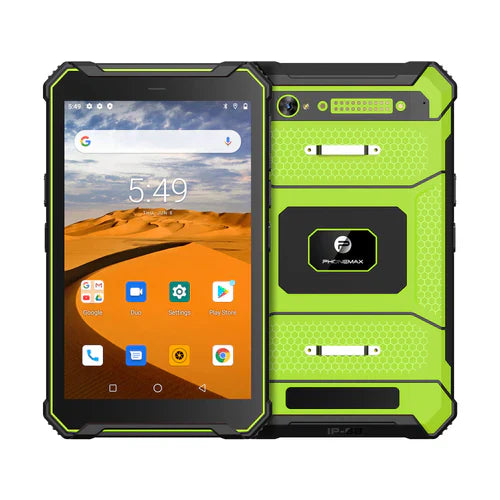
A 10-point touch requirement should be tied to a real app gesture and confirmed for the exact tablet. The current T1 and N1 information reviewed here does not establish a 10-point touch specification, so no such configuration is verified by this article.
Identify the gesture the job requires
List ordinary taps, map zooming, drawing navigation and any specialized multi-touch action separately. Ask the app provider how many simultaneous contacts its required gestures actually use, then request the matching hardware specification.
Evaluate the mounted interface while stationary
- Use the intended app, display orientation and approved mount.
- Check whether zoom controls, route details and confirmation buttons are readable and reachable.
- Record unintended gestures or selections during an approved task trial.
- Evaluate glove use and screen-protector effects separately rather than inferring them from the touch-point count.
Choose for the complete viewing task
The N1 navigation tablet is positioned for roadbook and navigation workflows; the T1 is positioned for general field work. Neither positioning statement proves a requested touch-controller feature. Obtain written confirmation and approve the actual app interaction before deployment. Configure controls before travel and follow the vehicle operator's safe-use procedure; additional touch points do not establish suitability for interaction while moving.


Dejar un comentario
Todos los comentarios se revisan antes de su publicación.
Este sitio está protegido por hCaptcha y se aplican la Política de privacidad de hCaptcha y los Términos del servicio.