

An Android application can run on a phone yet still display important controls poorly. A 6.5-inch rugged-phone evaluation should combine software compatibility with a practical layout check.
Confirm application prerequisites
List the supported Android versions, login method, permissions and management requirements. Install the actual release intended for deployment. Check whether the application relies on services or accessories that the supplier's demonstration did not include.
Exercise the layout
Open the busiest list, a long form and a record with an error. Test the usual display and text scaling, then the larger setting needed by staff who prefer bigger text. Record clipped labels, keyboard overlap and buttons that require excessive precision. Include offline screens if they look different from connected screens.
Keep the acceptance record current
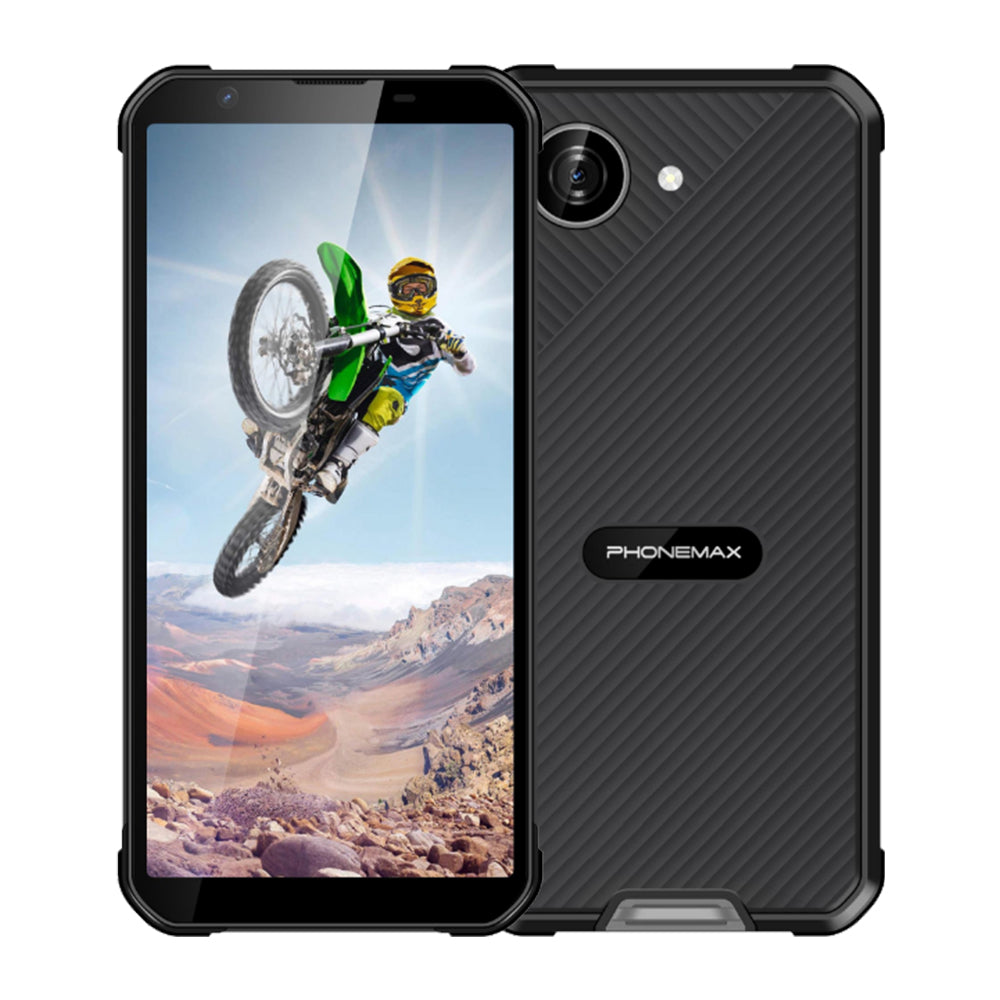
The X5 currently has a 5.3-inch display; it is a smaller comparison, not a documented 6.5-inch Android model. If selected as an alternative, approve its layout explicitly. Retain screenshots, application version and settings for the accepted device. Recheck affected screens after an application or operating-system update instead of assuming a successful first installation establishes lasting compatibility.
See the current Phonemax X5 specification when assessing a compact alternative.


Dejar un comentario
Todos los comentarios se revisan antes de su publicación.
Este sitio está protegido por hCaptcha y se aplican la Política de privacidad de hCaptcha y los Términos del servicio.