
When a work tablet shows a mobile network but the job app cannot connect, separate network registration, usable data service and application access. Treat the visible network name as one observation rather than proof that the whole workflow is working.
Identify where the connection stops
| Observation | Next question for the responsible team |
|---|---|
| Operator name is visible | Is the intended subscription selected and provisioned for data? |
| An approved connectivity check works | Can the required app reach its own receiving system? |
| The app opens but cannot submit | Is its account, session or service available? |
| One approved subscription works | Which documented settings or service conditions differ? |
Record the exact error, time, tablet version and internal subscription reference. Give IT and the operator enough information to review the issue without exposing account identifiers in a public enquiry. Avoid changing several settings at once because that makes the cause harder to establish.
Use the operator’s provisioning instructions
If the operator requires an access point name or other provisioning setting, obtain the approved values from that operator or your account administrator. Do not copy a random APN, disable an organization’s security controls or reset a production tablet to investigate one failed upload. Use a test transaction after each authorized correction and verify receipt.
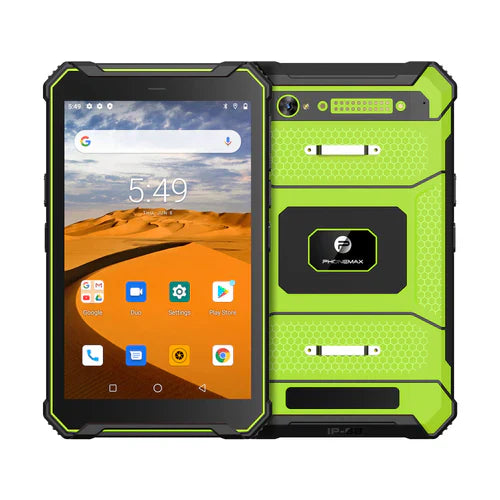
The T1 listing distinguishes Gray Android 16 and Green Android 10 configurations. Its current band text describes Gray; Green needs separate confirmation. Neither the band list nor two installed SIMs guarantees app access. No carrier or application connectivity trial is reported here.
See the data-service identification guide. Ask Phonemax about the exact device configuration while the operator and app owner review their parts of the connection.


Dejar un comentario
Todos los comentarios se revisan antes de su publicación.
Este sitio está protegido por hCaptcha y se aplican la Política de privacidad de hCaptcha y los Términos del servicio.