
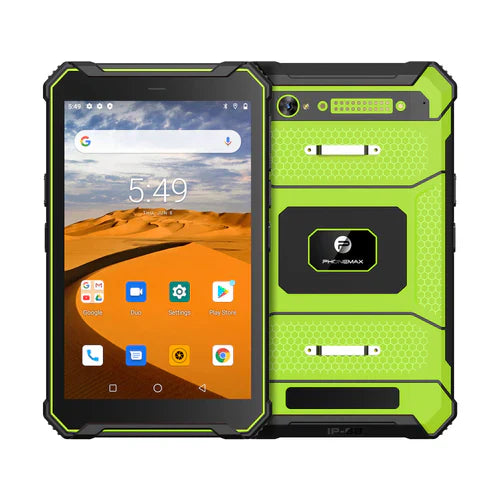
A work alert is useful when the intended worker receives it, opens the correct job and completes the required response. Test that full sequence with safe accounts. Seeing one notification during setup does not establish dependable alert delivery for the deployed workflow.
Define the event and the recipient
Identify which service creates the event, which account should receive it and what action the worker must take. Use a known test job so the alert can be linked to its receiving record. Agree how the operation handles a missed or unacknowledged event before evaluating the device.
| Alert stage | Acceptance observation |
|---|---|
| Event creation | The intended test job and timestamp are recorded |
| Recipient selection | The assigned worker account is correct |
| Notification | The app presents the expected alert under the agreed settings |
| Open and respond | The correct job opens and the required action can be completed |
| Acknowledgement | The responsible system records the intended response |
Include permission and session checks
Android's notification-permission guidance describes a runtime permission for non-exempt app notifications on Android 13 and later. The app's implementation and permission state therefore belong in the evaluation record. Granting permission alone does not prove that the service sent the event or that the account received the correct job.
Ask IT and the app provider which checks are appropriate when the app is in the background, the session has expired or a connection has been interrupted. Record actual observations and any manual steps. Do not change managed settings or use a test result to claim support for a safety-critical alerting function.
Keep the exact software version attached
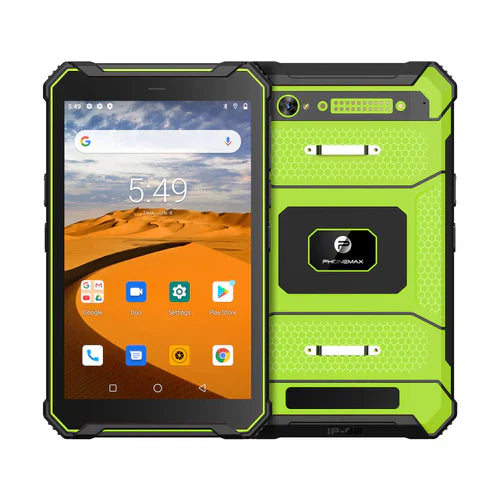
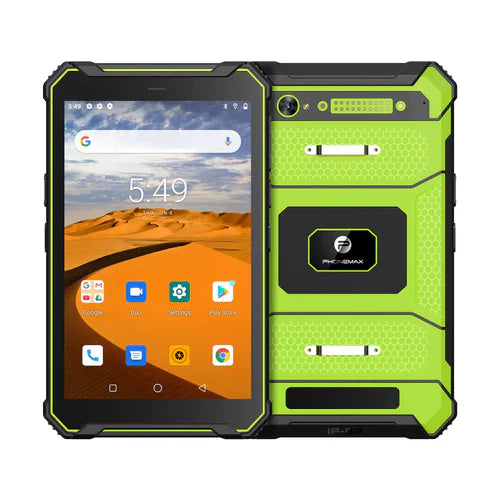
The T1 listing distinguishes Gray Android 16 and Green Android 10. Evaluate the offered build with the work app; behavior should not be inferred across those versions.
Discuss the device configuration with Phonemax and agree alert handling with the application owner. No delivery-time guarantee, app compatibility approval or measured alert-reliability result is reported here.
Related guide: Android Tablet Updates: Recheck the Critical Workflows.

コメントを書く
全てのコメントは、掲載前にモデレートされます
このサイトはhCaptchaによって保護されており、hCaptchaプライバシーポリシーおよび利用規約が適用されます。