
An HD or FHD label should not replace an application test. For a 6.5-inch rugged phone, determine the exact pixel specification and whether the work genuinely benefits from the proposed resolution.
Identify the visual workload
A simple checklist, a detailed diagram and a photo review can place different demands on the display. Choose examples of the actual work. Ask for horizontal and vertical pixel counts for each candidate rather than treating every HD-labelled panel as equivalent.
Compare under consistent settings
Open identical content at the same intended text size and application zoom. Check visible information, small labels and the number of zoom changes needed. Record physical reading distance and normal lighting. Keep touch accuracy and brightness observations separate from the resolution comparison.
Accept the requirement deliberately
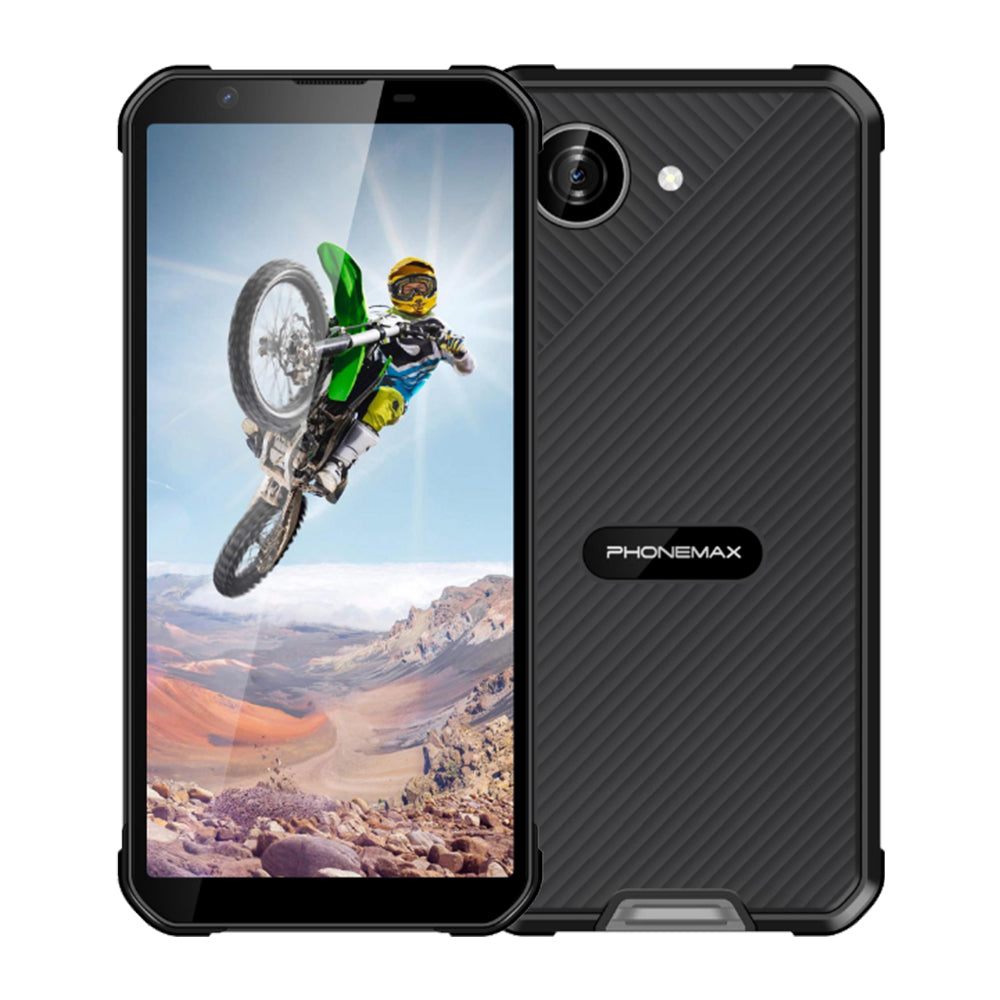
X5 currently has a 5.3-inch display, so it is a compact option rather than evidence of a 6.5-inch HD phone. Obtain the offered model's screen facts before comparison. If the lower-resolution candidate completes the task adequately, record that result and the accepted specification. If important details remain difficult to review, request a different panel or device and repeat the same trial instead of assuming the FHD label alone fixes the workflow.
Check the current X5 configuration before treating it as a comparison model.


Zostaw komentarz
Wszystkie komentarze są moderowane przed opublikowaniem.
Ta strona jest chroniona przez hCaptcha i obowiązują na niej Polityka prywatności i Warunki korzystania z usługi serwisu hCaptcha.