
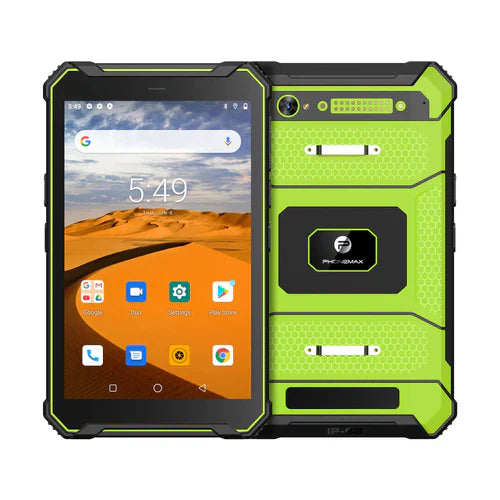
For agricultural records, verify that a value, its unit and its saved interpretation stay together. Readable text on a tablet is insufficient if the entered number is stored with the wrong unit or interpreted differently by the receiving system.
Let the system owner define valid inputs
Use a non-sensitive test form and approved example values. This guide provides no application rates, treatment instructions or agronomic thresholds. The farm and software specialists should define the allowed units, ranges and validation behavior.
| Entry case | What to check |
|---|---|
| Unit selection | The selected unit is visible with the entered value |
| Decimal entry | The permitted separator is understood by the app |
| Blank or zero | The application handles these according to its documented meaning |
| Validation error | The worker can correct the value without losing the unit context |
| Submitted output | The receiving record shows the intended value and unit |
Include the actual operator language
Android's localization guidance covers locale-sensitive text and number handling in applications. It does not establish that a particular farm app interprets every numeric format correctly. Review the app's supported settings with its provider.
Use the offered tablet setup
The T1 has Gray Android 16 and Green Android 10 configurations. Keep the chosen version, app build, language and keyboard setup with the trial record. Do not infer the result from a generic sunlight-readable display claim.
Discuss the device configuration with Phonemax. Ask the system owner to approve the recorded output. This is a data-entry evaluation method, not a verified app result or a recommendation for agricultural use of any entered quantity.
Related guide: Tablet OEM Language Packs: Review the Operator’s Work Screens.


Deixar comentário
Os comentários precisam ser aprovados antes da publicação.
Este site é protegido por hCaptcha e a Política de privacidade e os Termos de serviço do hCaptcha se aplicam.