
If a work tablet must print a report or receipt, approve the actual paper output from the intended app and printer. A print menu appearing on screen does not demonstrate that the right job, layout and required information reach the physical page.
Identify the whole print path
Record the tablet build, app version, printer model, connection method and any approved print service. Ask the app and printer providers which setup they support. Do not assume that a general Android label proves a particular printer connection or driver combination.
| Print check | What to observe |
|---|---|
| Choose the job | The correct test record is selected |
| Choose the printer | The intended approved printer receives the task |
| Review the page | Required values, identifiers and page boundaries are correct |
| Check the completed print | The recipient can read the intended output |
| Handle an interruption | The worker can distinguish pending, failed and completed work under the provider's procedure |
Use platform guidance within its scope
Android's printing guidance describes application printing of images and documents. It is development background, not approval of every app, print service or printer.
Confirm the offered tablet version
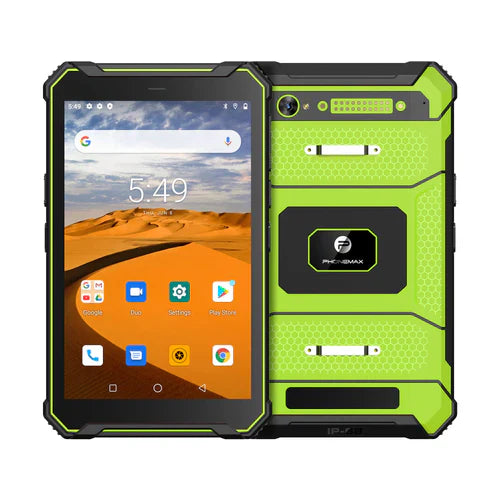
The T1 lists Gray with Android 16 and Green with Android 10. A legacy Android 12 requirement should be reviewed with the app and printer providers rather than treated as a confirmed T1 sales configuration.
Send Phonemax the required device configuration and ask the software and printer providers to approve the print path. This is a suggested acceptance check; printer compatibility, output accuracy and retry behavior have not been tested for this article.
Related guide: Work Tablet QR Sign-In: Check the Account and Destination.


Deixar comentário
Os comentários precisam ser aprovados antes da publicação.
Este site é protegido por hCaptcha e a Política de privacidade e os Termos de serviço do hCaptcha se aplicam.