
If a peripheral is paired but the work app cannot use it, check application permission and the actual data exchange separately. A paired-device entry alone is not proof that the required work function is available.
Separate the layers
| Layer | Question |
|---|---|
| Peripheral identity | Is the exact model and firmware the one approved for the project? |
| System connection | Can the supplied build discover or connect through the intended route? |
| Application permission | Has the app received the access required for its chosen connection method? |
| Work result | Does a harmless sample reading or action reach the correct record? |
Android's Bluetooth permissions guide distinguishes scanning, advertising and connecting permissions for apps targeting Android 12 or higher. Requirements depend on the app's target version and implementation. Do not grant unrelated location access as a universal fix or assume every device uses the same pairing method.
Record denial and reconnection cases
With approved sample hardware, record the initial prompt, the result after denying access and the approved recovery procedure. Then disconnect and reconnect the accessory and repeat a sample transaction. Ask the accessory or app vendor to investigate the layer that fails. Avoid repeatedly deleting settings from production units without a reproducible test.
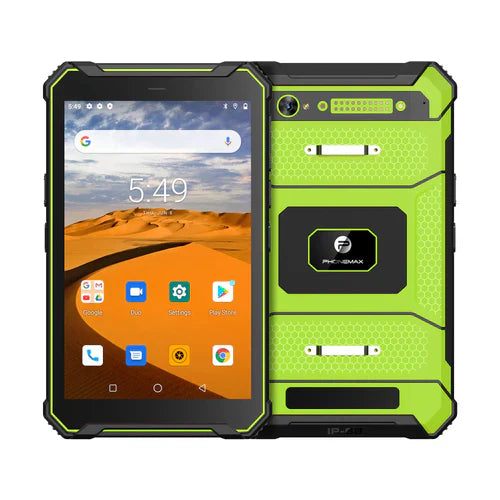
The T1 product page identifies distinct Gray Android 16 and Green Android 10 configurations. It does not establish compatibility with your specific peripheral, Bluetooth profile or application. This article reports no peripheral test.
Add the exact accessory to the app acceptance matrix and contact Phonemax with model, firmware and the required function.


Deixar comentário
Os comentários precisam ser aprovados antes da publicação.
Este site é protegido por hCaptcha e a Política de privacidade e os Termos de serviço do hCaptcha se aplicam.