
If a tablet task feels slow, separate local processing from waiting for a server before using a 2.0GHz or octa-core requirement to choose hardware. A processor label does not identify which part of a work transaction consumes the time.
Divide one repeatable task into stages
| Stage | Useful observation |
|---|---|
| Open a locally available sample | Time until its content is usable |
| Perform the app's local operation | Time from action to the visible result |
| Submit to the approved server | Time until acknowledgement and saved record appear |
Use the same app release, sample dataset and defined start/end events across trials. Record the network, power state and any background work. Repeat enough times to see whether the delay is consistent, and retain the observations rather than only the fastest run. A stopwatch result is a user-task observation; it does not isolate CPU performance.
Escalate with evidence
If the local stage is slow, ask the application developer whether profiling or a controlled benchmark is appropriate. If the wait occurs after submission, include server and network evidence. Android's benchmarking overview describes tools for measuring app interactions. It is not a published benchmark for a Phonemax device.
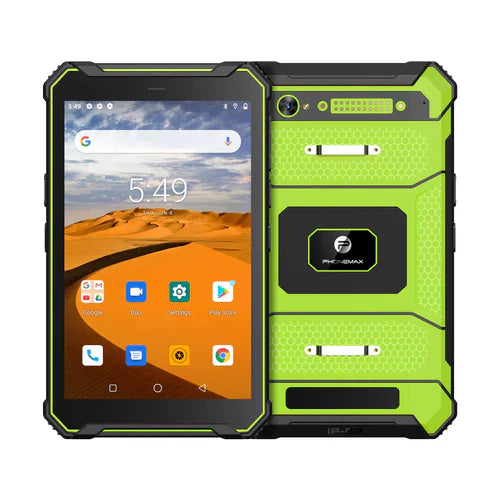
The current T1 description names a MediaTek Helio G80. Gray has 6GB/128GB/Android 16; Green has 8GB/128GB/Android 10. Do not derive the supplied configuration's clock specification or task speed from this article's old URL.
No task timings are reported here. Connect the findings to the app acceptance matrix and send Phonemax the workload description before selecting hardware.


Deixar comentário
Os comentários precisam ser aprovados antes da publicação.
Este site é protegido por hCaptcha e a Política de privacidade e os Termos de serviço do hCaptcha se aplicam.