

A keypad phone connected to a Bluetooth scanner needs an application trial. Pairing alone does not establish that scanned values reach the correct field or remain saved.
Specify the data path
Identify the scanner, barcode types, application and expected input method. Ask the supplier whether the proposed phone supports the required connection. Open the actual form and define where each scanned value should appear.
Follow a complete record
Scan a label, move to another field, correct an entry and submit the record. Disconnect and reconnect the scanner and check for lost or duplicate input. Try the physical controls and touch functions used to navigate the form.
Keep F3 T claims limited
Current F3 T information describes physical keys, a touchscreen and compatible Android-based applications. It does not establish Bluetooth 5.0 or universal scanner support in the reviewed text. Obtain the exact specification and test the intended scanner and app on the sample. Approve the complete workflow rather than a generic Bluetooth label, retaining the scanner model and application version for future checks.
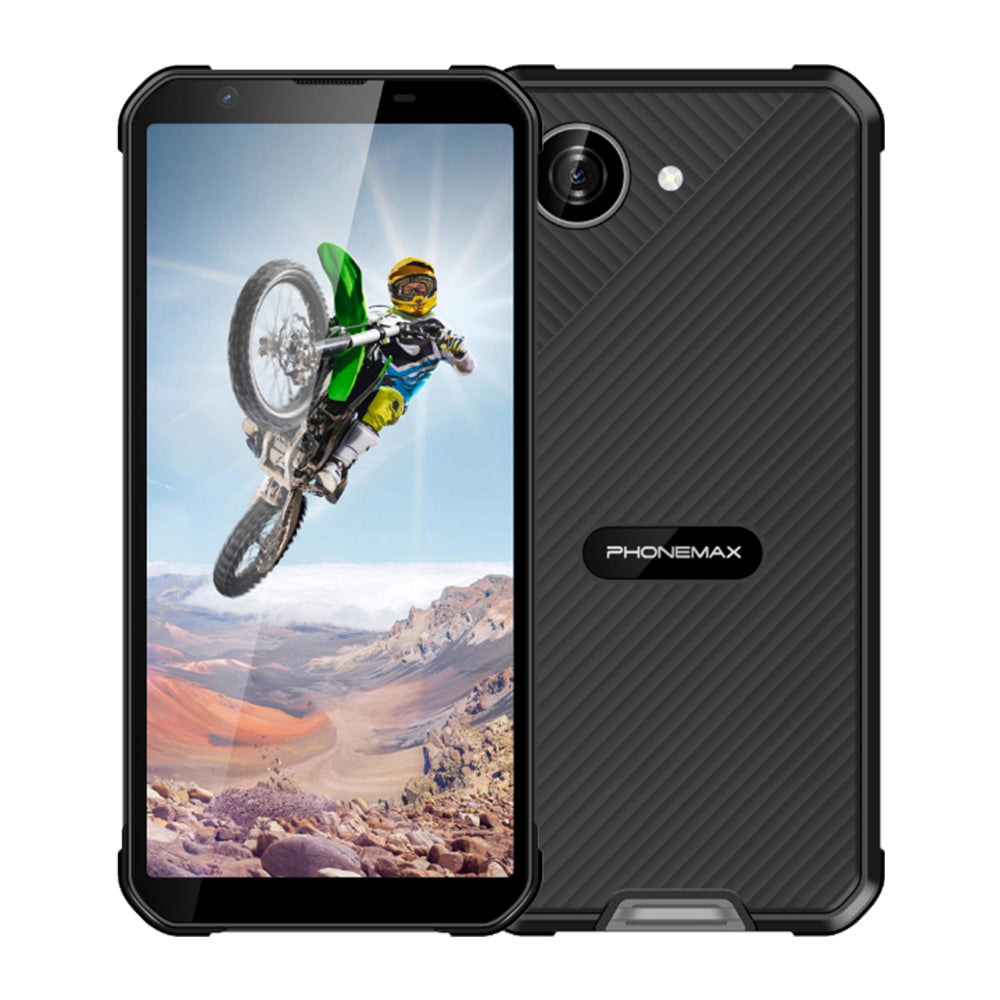
Review current Phonemax F3 T details for the configuration used as a comparison.


Deixar comentário
Os comentários precisam ser aprovados antes da publicação.
Este site é protegido por hCaptcha e a Política de privacidade e os Termos de serviço do hCaptcha se aplicam.