
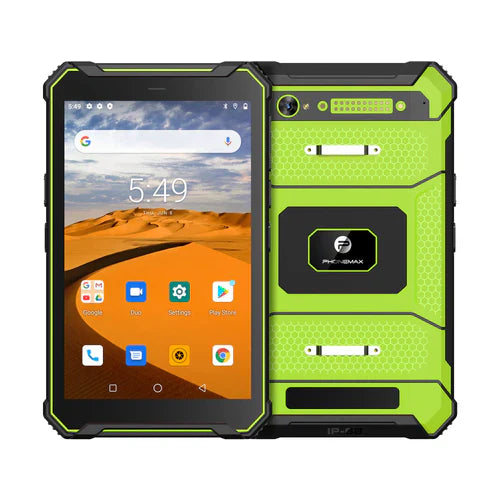
For a shared tablet docking station, verify which user session and data destination are active before accepting a transferred work record. Mechanical fit and charging do not establish that the right office system receives the right job.
Define the handoff
| Handoff detail | Decision to document |
|---|---|
| Tablet identity | How the worker identifies the unit being connected |
| User session | Which authorized account is active on each side |
| Destination | Which app, folder or receiving system accepts the record |
| Completion signal | How the worker knows receipt is complete |
| Undocking | What must finish before the device is removed |
First obtain approval for the exact tablet, dock and supported functions. A dock that supplies power may not provide data transfer, and a supported connection still needs a defined application workflow. Keep any software-specific procedure tied to the app and account arrangement actually used.
Use a controlled handoff check
- Create a uniquely identified test job with non-production data.
- Connect the approved pairing and follow the documented sign-in and transfer process.
- Confirm the intended destination contains the complete job and attachments.
- Sign out or end the session as required, then repeat with the next authorized user.
- Record any wrong destination, duplicate record or unclear completion state for resolution.
These are suggested acceptance steps, not a completed dock or account-security test. The current T1 information does not establish compatibility with a particular docking station, dock data mode or shared-session software.
Begin with the dock interface checklist. Send Phonemax the exact dock model and required functions and ask the application owner to approve the user and destination workflow before rollout.


Deixar comentário
Os comentários precisam ser aprovados antes da publicação.
Este site é protegido por hCaptcha e a Política de privacidade e os Termos de serviço do hCaptcha se aplicam.