
A “10-point touch” requirement should identify the actual simultaneous inputs and gestures the application needs. A contact-count claim alone does not establish usable glove input, handwriting or accurate control of a work form.
Translate the number into a task requirement
| Required action | Evidence to request |
|---|---|
| Two-finger zoom | Demonstration in the intended app and configuration |
| More simultaneous contacts | A documented reason the app needs them and an applicable device specification |
| Glove input | Assessment with the approved glove and protector |
| Stylus input | Separate confirmation of the exact pen and required features |
| Accidental contact handling | Observation of the real grip and app behavior |
Have the equipment supplier confirm the supported touch specification for the exact version. Then ask the application owner which part of that capability the job actually uses. Do not relabel a successful two-finger gesture as proof of ten simultaneous contacts.
Keep specification checks and usability checks separate
If a tender explicitly requires a contact count, request appropriate documentation or an agreed technical assessment. For the work task, use representative test records and observe missed or unintended actions. These checks answer different questions, so retain both results where both are required.
Avoid an informal demonstration that asks staff to press many fingers onto a production form. It may create unwanted actions without producing a reliable specification result. Use a controlled test environment selected by the responsible reviewers.
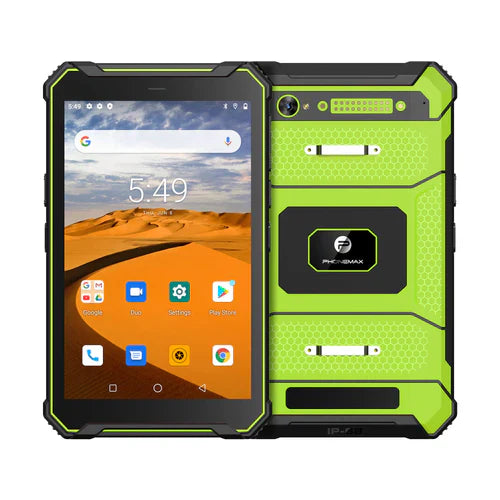
The T1 listing does not establish a 10-point touch specification or your glove-and-app combination. No touch-contact measurement is reported here. Start with the glove-error assessment guide and ask Phonemax to confirm the precise input requirement.


Deixar comentário
Os comentários precisam ser aprovados antes da publicação.
Este site é protegido por hCaptcha e a Política de privacidade e os Termos de serviço do hCaptcha se aplicam.