
Before retiring an Android work phone, verify the required records and application access on the replacement. A completed device backup is not proof that every app's data and settings can be restored.
Google's Android backup guidance cautions that not all apps can back up or restore all settings and data, and excludes its backup process for the managed work-device arrangements it describes. For a managed deployment, ask IT for the approved transfer method; do not assume a personal Google backup applies.
Create a migration inventory
| Data or access | What to verify on the replacement |
|---|---|
| Submitted work | Available in the intended receiving system |
| Local drafts | Exported or transferred through a supported method |
| Attachments | Readable and connected to the correct record |
| Accounts | Approved sign-in and recovery access |
| Settings | The work configuration needed for normal use |
Use a controlled replacement trial
Keep the source available while checking a representative non-sensitive record on the replacement. Record missing items and resolve them through the application's documented process before erasing or releasing the source device.
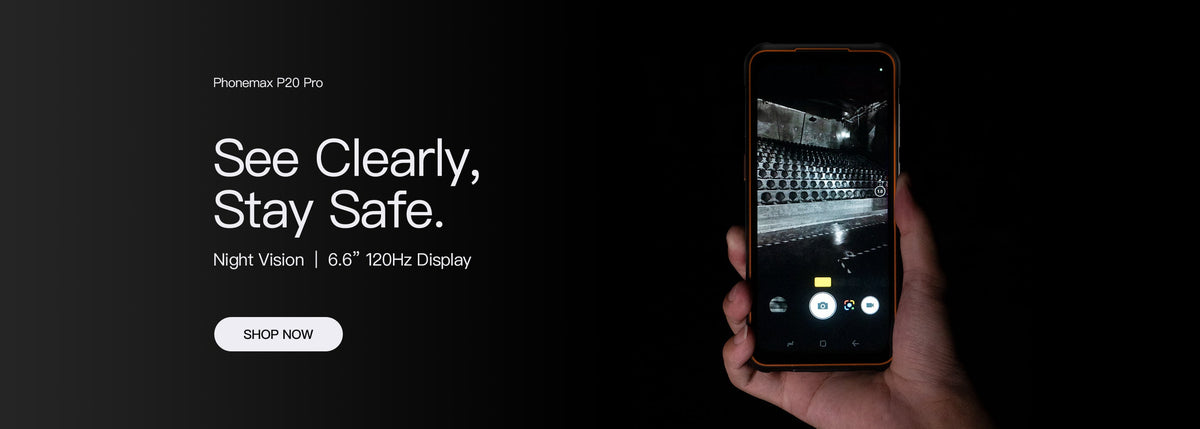
The current R4-T listing identifies Android 14 with 8GB RAM and 128GB storage. That does not establish Google backup availability or successful restoration for every app on the supplied configuration.
Decide who signs off
Have the work-data owner verify the result and IT confirm account access. A visible app icon or a matching file count is not enough if the underlying records cannot be opened.
Ask Phonemax about the offered configuration and use the app provider for transfer instructions. This article establishes no universal migration compatibility, complete restore result or 6GB phone option.

Deixar comentário
Os comentários precisam ser aprovados antes da publicação.
Este site é protegido por hCaptcha e a Política de privacidade e os Termos de serviço do hCaptcha se aplicam.