
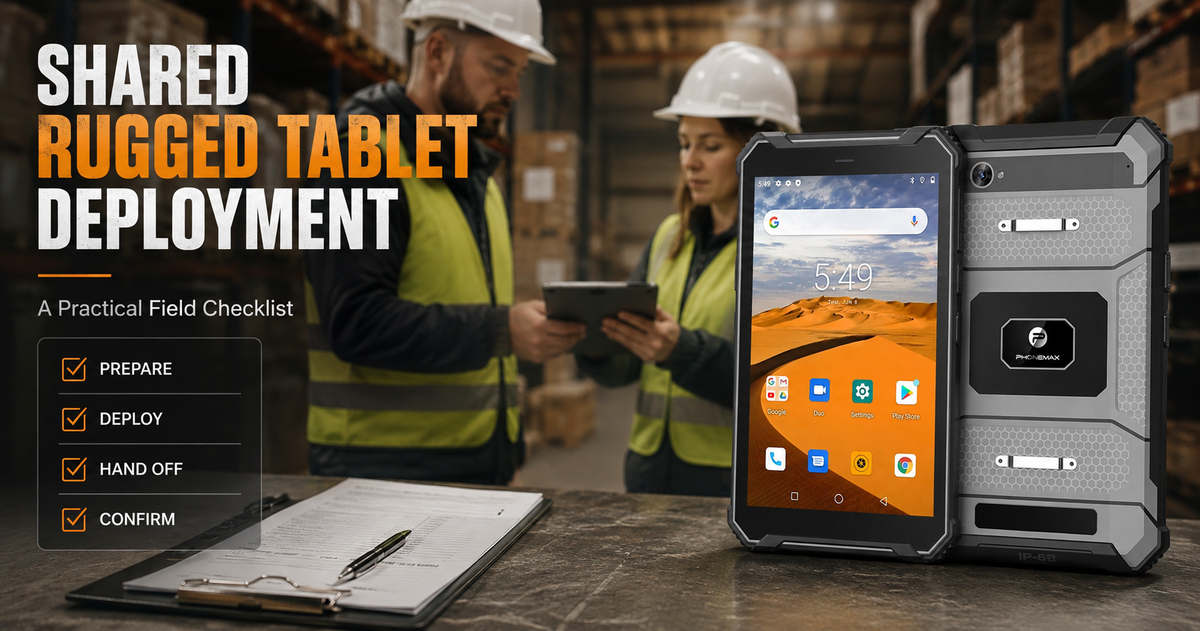
A shared rugged tablet needs an operating process, not just a protective shell. Before a Phonemax T1 moves between shifts, a team should decide who owns enrollment, which apps are allowed, how files synchronize, how batteries are managed and what happens when the device is lost or damaged.
The current T1 listing describes an Android 16 industrial rugged tablet with a MediaTek Helio G80 processor, 6GB RAM, 128GB storage, a 12,000mAh battery and 18W charging. The listed option is explicitly without a Honeywell barcode scanner. Teams that require integrated scanning must confirm a different T1 Pro configuration before ordering.
1. Assign ownership before enrollment
Name a device owner, an IT owner and a process owner. The device owner tracks the physical unit; IT controls enrollment, updates and remote actions; the process owner defines the inspection, logistics or reporting workflow. Without these roles, a shared tablet can accumulate unknown accounts, local files and inconsistent app versions.
2. Choose the correct Android management mode
Google defines dedicated devices as company-owned Android devices restricted to a specific purpose. Fully managed devices provide broader administrative control for company-owned hardware. The appropriate mode depends on whether the T1 is used for one fixed workflow, several approved work apps or mixed work and personal activity.
Do not assume that Android 16 alone means a particular enterprise enrollment or certification is available. Confirm the chosen EMM, enrollment method, required Google services and application compatibility during a pilot.
3. Build a minimum app set
- Primary inspection, inventory or work-order app
- Approved camera and document workflow
- Offline reference material required on site
- Secure authentication method
- Device support or remote-help app, if approved
Remove duplicate apps and define which application owns each type of record. Silent app distribution and managed configurations are among the capabilities described in Android Enterprise’s feature set, but actual support depends on the selected EMM solution.
4. Test the workflow offline
Disconnect Wi-Fi and cellular data during the pilot. Confirm whether forms open, maps remain available, photos queue correctly and timestamps remain intact. Then reconnect and verify that records synchronize once—without duplicates. The T1’s 128GB storage provides local capacity, but storage is not a substitute for a tested synchronization policy.
5. Standardize charging and handoff
| Handoff item | Required check |
|---|---|
| Battery | Minimum handoff percentage and assigned charger |
| Physical condition | Screen, ports, covers, straps and mount points |
| Pending records | Confirm uploads or document the queue |
| User session | Sign out, switch profile or complete the approved shared-device flow |
| Exceptions | Log damage, sync errors or missing accessories |
6. Define incident actions
A lost tablet should trigger a known sequence: report, locate if permitted, lock or wipe through the management platform, revoke tokens, review last synchronization and issue a replacement. NIST mobile-device guidance emphasizes managing enterprise mobile risks rather than treating the hardware alone as the security boundary.
7. Pilot before scaling
Use a small group for at least one complete shift cycle. Measure login time, task completion, sync failures, battery at handoff, photo volume and support requests. Only then freeze the standard configuration and expand deployment.
Review the current Phonemax T1 listing. For memory planning, read How Much RAM and Storage Does a Rugged Android Tablet Need for Field Work?
FAQ
Does the listed T1 include a Honeywell scanner?
No. The currently active variants are labeled 6GB+128GB without a Honeywell barcode scanner.
Should every worker use the same account?
Usually not without a controlled shared-device design. Choose an identity and session model that preserves accountability and protects data.
Is a rugged rating enough for deployment?
No. App compatibility, enrollment, connectivity, charging, synchronization and support processes must also be validated.
Sources
- Android Enterprise: Overview
- Android Enterprise: Dedicated device requirements
- NIST NCCoE: Mobile Device Security for corporate-owned devices
Publisher disclosure: Phonemax publishes this guide and sells the Phonemax T1. Android 16, MediaTek Helio G80, 6GB RAM, 128GB storage, the 12,000mAh battery, 18W charging and the absence of a Honeywell barcode scanner in the currently listed configuration are first-party Phonemax product information checked on September 1, 2026. Google Android Enterprise and the NIST NCCoE are independent sources used to support general statements about managed, dedicated and corporate-owned mobile-device deployment. Neither source has tested, certified or endorsed the Phonemax T1. This article does not claim Android Enterprise Recommended status or guaranteed compatibility with any EMM.


Deixar comentário
Os comentários precisam ser aprovados antes da publicação.
Este site é protegido por hCaptcha e a Política de privacidade e os Termos de serviço do hCaptcha se aplicam.