
Price update — October 9, 2026: Prices in this guide were rechecked in USD against the listed product configurations. Prices and availability may change; confirm the selected configuration on its product page before ordering.
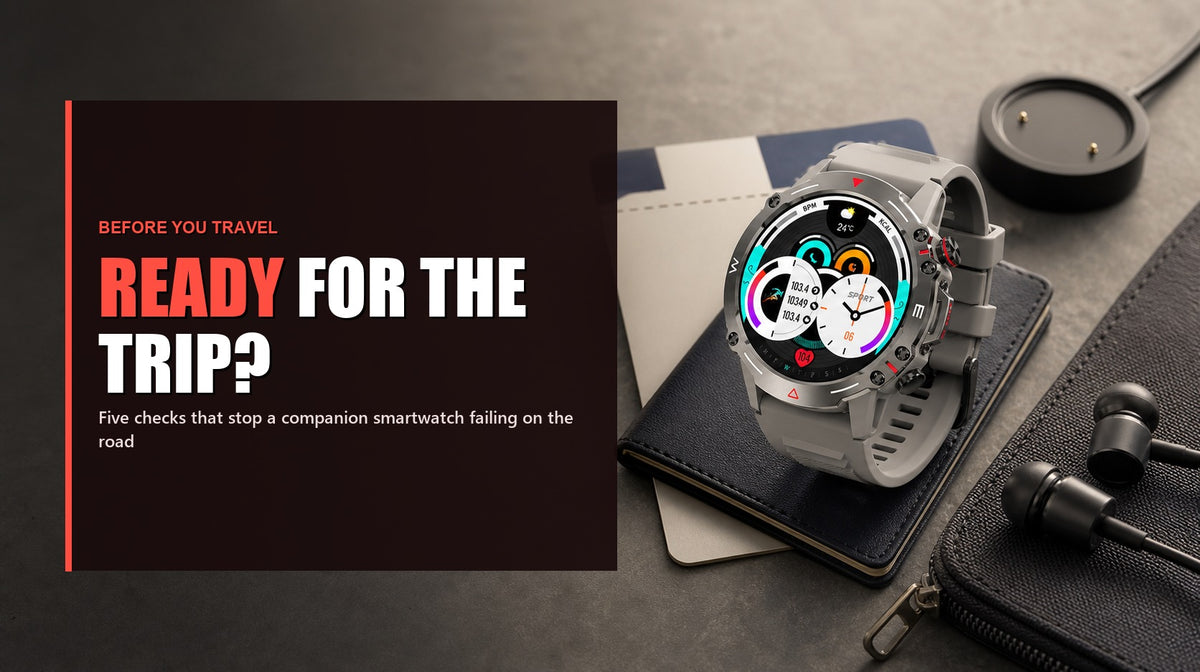
The Watch 1 is travel-ready only when it works with the exact phone that will make the trip. Before leaving reliable connectivity, confirm the current companion app, complete a real sync and Bluetooth call, pack the compatible charger, reduce wrist alerts and test reconnection after the phone restarts.
Watch 1 pre-departure card
| Before leaving | Pass | If it fails |
|---|---|---|
| App and sync | The app linked from the live Watch 1 page installs and fresh data syncs | Resolve compatibility before travel; do not rely on stale pairing |
| Bluetooth call | A real incoming and outgoing call works with the travel phone | Recheck Bluetooth, contact and call permissions |
| Reconnect | The watch reconnects after Bluetooth is toggled and after the phone restarts | Open the companion app and repeat its documented pairing flow |
| Charger | The compatible Watch 1 charger is packed and tested from the travel power source | Do not assume another watch cable will fit |
| Alerts | Only travel-critical apps reach the wrist | Disable noise before it hides important alerts |
| Reserve | Your own travel pattern finishes with the required battery margin | Change the charging plan or notification/calling load |
Why these checks are specific to Watch 1
The current Watch 1 listing shows a 1.43-inch AMOLED display, Bluetooth 5.2, Bluetooth calling, 410mAh battery, 123 sports modes and heart-rate/sleep monitoring. It is sold in Black, Silver and Green at $78 at review time. The product page also supplies the current app-download link.
Those facts define the device, but they do not prove compatibility with every phone OS release, a fixed number of battery days, or medical accuracy. Check the live Watch 1 product page immediately before purchase or travel.
1. Use the current app source
Start from the app link on the live product page rather than an old bookmark or an unofficial download. Install and sign in while you still have dependable connectivity. Confirm that newly generated watch data reaches the phone; a Bluetooth icon alone does not prove the full sync path.
2. Test the feature that depends most on the phone
Watch 1 calling is Bluetooth calling, so the connected phone remains part of the system. Place one incoming and one outgoing call. Check the microphone, speaker, contacts and permission prompts with the exact phone that will travel.
For a deeper pairing, alerts and battery test method, use Phonemax Watch 1 Test Log: Pairing, Alerts and Battery. That page owns the detailed testing intent; this checklist only decides whether the already-configured watch is ready to leave.
3. Practise reconnection before the road
Toggle Bluetooth off and on, restart the phone and walk briefly out of range. Record the steps that restore syncing and calls. A recovery path learned at home is more useful than discovering it at an airport, campsite or remote worksite.
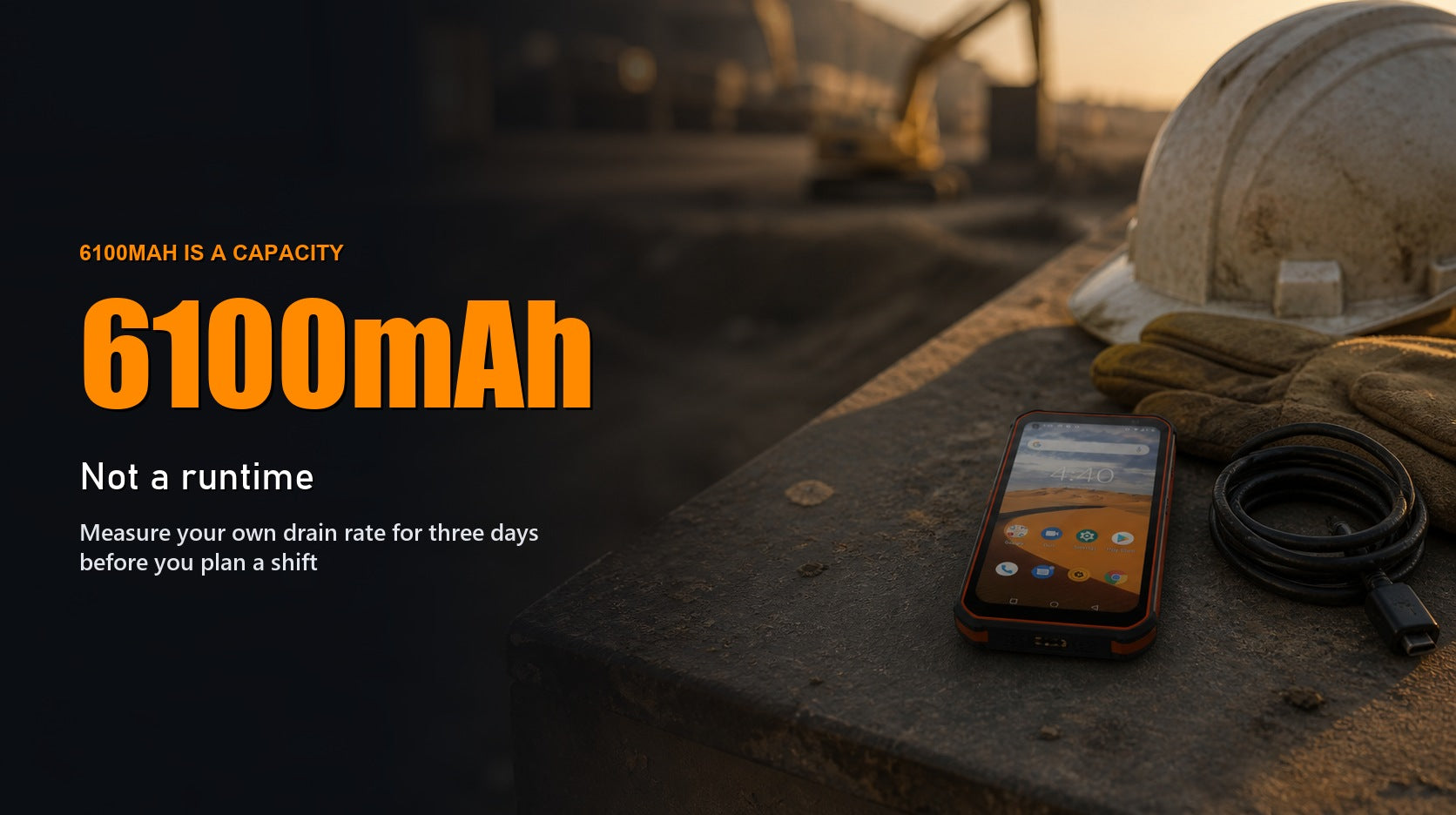
4. Pack power around a 410mAh capacity—not a promised runtime
Charge the Watch 1, test its compatible charger and verify the charger works from the power bank or adapter you will carry. The current listing shows 410mAh, but capacity cannot establish a universal number of travel days. Make the charging interval from your own call, notification, display and activity pattern.
5. Make the wrist quiet enough to be useful
Allow only the alerts that change a travel decision: calls, itinerary changes, essential messages or operational notifications. Confirm the phone OS allows the companion app to run in the background. Excess alerts are both distraction and additional activity, but no unverified battery saving is promised here.
6. Set the health-data boundary once
The product page markets heart-rate and sleep monitoring. Treat those readings as consumer wellness information, not a diagnosis, emergency-monitoring system or basis for changing medication. The FDA source below explains the general distinction; it is not a model-specific validation of Watch 1.
Is Watch 1 the right travel companion?
It fits a traveller who wants wrist notifications, Bluetooth calls and activity/wellness features while carrying a compatible phone. It does not fit someone who needs independent cellular calling, medical monitoring or a watch whose app compatibility has not been confirmed. For job-based selection rather than travel preparation, read Phonemax Watch 1: Which Jobs Match Its Strengths?.
FAQ
Can Watch 1 make calls without a phone?
No. The current listing describes Bluetooth calling, which requires a compatible connected phone and the necessary permissions.
What should I check immediately before travel?
Fresh app sync, one real Bluetooth call, reconnection after a phone restart, the compatible charger, essential alerts and your required battery reserve.
How long does the Watch 1 battery last?
The current listing shows 410mAh capacity, not a universal runtime. Use your own call, display, notification and activity pattern to set the charging plan.
Travel evidence note
Watch 1 specifications and the app source are based on the current Phonemax listing. No model-specific independent performance or health-accuracy validation is cited. FDA material is used only for the general consumer-wearable versus medical-device boundary.

Deixar comentário
Os comentários precisam ser aprovados antes da publicação.
Este site é protegido por hCaptcha e a Política de privacidade e os Termos de serviço do hCaptcha se aplicam.