
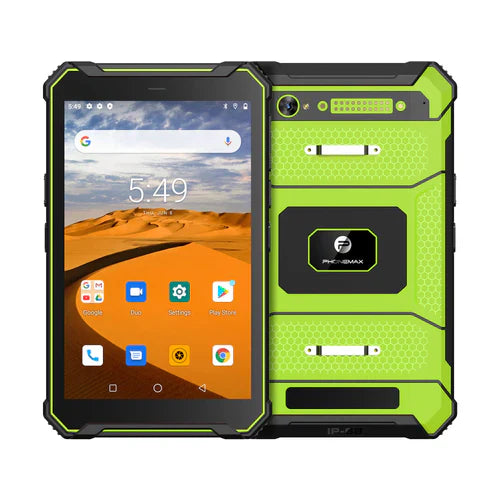
A shared tablet is ready for the next shift when the new worker can access the correct assignment without inheriting the previous worker's session. Define that handover in the work application and device-management plan before buying hardware.
Choose the handover mechanism with IT
Application sign-out, Android user switching and managed-device provisioning are different mechanisms. Android's multi-user documentation describes separate users and app data, and explains that profiles differ from users. This platform guidance does not confirm that a particular T1 build exposes your required user-management feature.
| Handover check | Expected observation to define |
|---|---|
| Finish the outgoing user's work | Submitted records are acknowledged and pending work has an owner |
| End the outgoing session | The approved sign-out or switching procedure completes |
| Open the next assignment | The new user sees the appropriate account, job and permissions |
| Review notifications and local content | The agreed data-access boundaries hold |
| Return a failed handover to support | The operator knows whom to contact and how to protect unfinished work |
Include the awkward handover
Use test accounts to check the end of a shift with an incomplete upload or an expired login. Have IT and the application owner define the expected action. Avoid deleting local data or resetting a working device as an improvised fix; a successful sign-in does not prove that earlier work was preserved.
Identify the exact tablet build
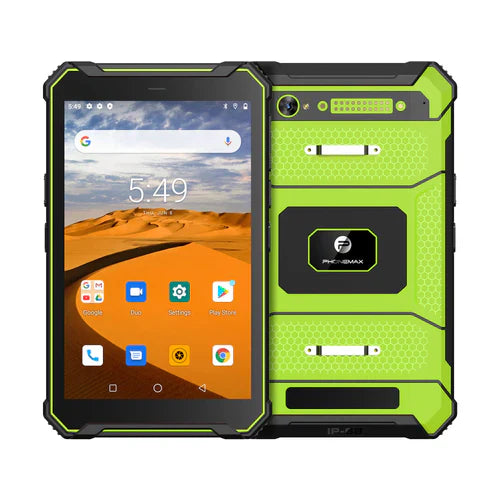
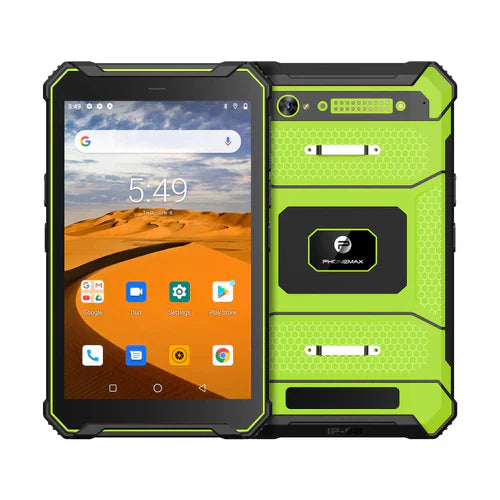
The current T1 configurations include Gray with Android 16, 6GB RAM and 128GB storage, and Green with Android 10, 8GB RAM and 128GB storage. Keep the selected version in the handover record. A result on one version does not establish identical account or management behavior on the other.
Ask Phonemax about the proposed configuration, and ask your IT provider to approve account handling. This is an evaluation workflow; multi-user support, enterprise-management compatibility and privacy controls for a particular deployment remain unverified.
Related guide: 4G Tablet Speed: Measure a Completed Field Upload.

Залишити коментар
Усі коментарі модеруються перед публікацією.
Цей сайт захищено за допомогою hCaptcha. Застосовуються Політика конфіденційності та Умови надання послуг hCaptcha.