
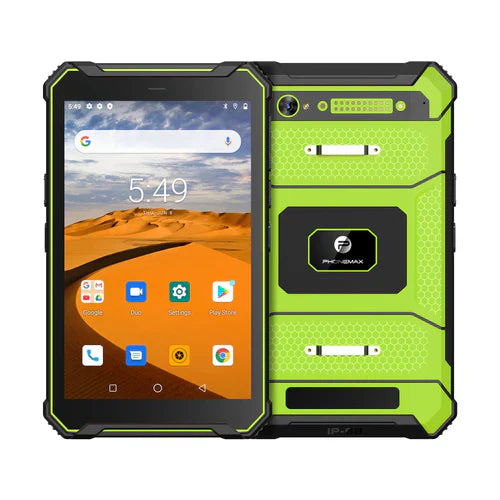
When a work tablet cannot complete an online task, identify the failing layer before changing settings. Record whether the issue concerns the SIM, mobile connection, application login or the receiving service. A single failed form submission does not identify which layer is responsible.
Locate the first failed step
| Observation | Question for the responsible team |
|---|---|
| The expected SIM is not shown | Is the card and slot arrangement correct for the supplied version? |
| The device cannot establish the required service | Are SIM activation, plan, operator and regional configuration confirmed? |
| An approved comparison task works but the work app fails | Does the app have the correct account, service address and configuration? |
| Login succeeds but a transaction fails | What error and receiving-system record correspond to that action? |
| The symptom changes by place or time | Can the connection conditions and timestamps be compared? |
Keep device checks and app checks distinct
Android's network-connection documentation describes application networking permissions and secure communication considerations. This is a reminder that the app also has a networking implementation; it does not diagnose a carrier problem or certify a device-and-app combination.
Use only comparison tasks approved by IT, with non-sensitive data. Change one setting at a time when instructed and record its earlier value. Obtain operator guidance for SIM or network settings rather than copying an unrelated configuration from another country or device.
Identify the hardware and software under investigation
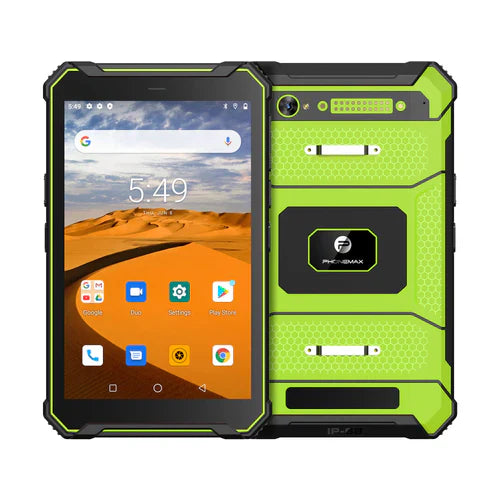
For a T1 enquiry, name the offered configuration and build: the current listing distinguishes Gray Android 16 and Green Android 10. Ask for confirmation of the proposed regional network version and required services.
Send Phonemax the model, country, operator and incident details, and involve the application or service provider when the failure is inside its workflow. This sequence is a troubleshooting aid, not a confirmed diagnosis or guarantee of 4G compatibility.
Related guide: 4G Tablet Support Requests: Send a Reproducible Fault Record.


Залишити коментар
Усі коментарі модеруються перед публікацією.
Цей сайт захищено за допомогою hCaptcha. Застосовуються Політика конфіденційності та Умови надання послуг hCaptcha.