
When an app requirement says “4GB RAM,” ask whether that is a minimum installation condition or the recommended configuration for your workload. Those are different decisions. Keep the requirement's source, app version and workload assumptions attached to the procurement brief.
Clarify the app provider's wording
| Requirement statement | Follow-up question |
|---|---|
| Minimum RAM | What task or support boundary does this minimum describe? |
| Recommended configuration | Which report size, map content or concurrent applications were assumed? |
| Operating system | Which versions and builds are supported? |
| Storage | What separate space is required for apps and work files? |
| Acceptance | Which representative task demonstrates suitability for this deployment? |
Do not turn the threshold into a performance guarantee
Use the actual app and a representative non-sensitive job on the proposed sample. Include the documents, images or route content normally needed during work. Record completion, interruptions and any failure rather than assuming that a memory number determines the result.
Match the offered variant honestly
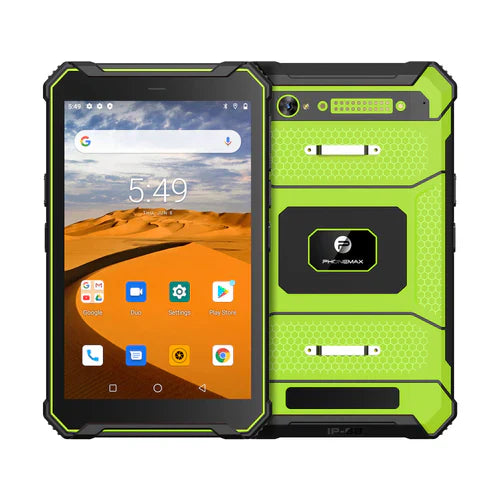
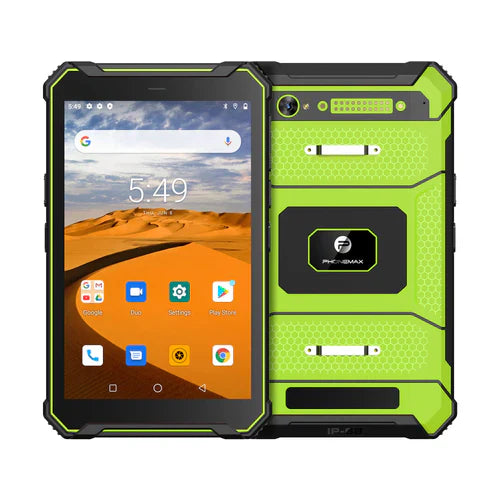
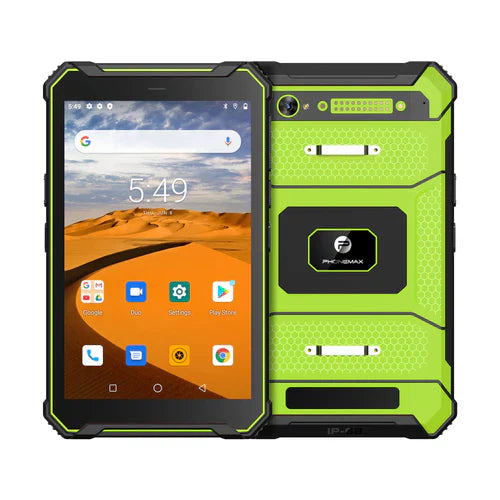
The current T1 lists Gray 6GB RAM with 128GB storage and Android 16, and Green 8GB RAM with 128GB storage and Android 10. The N1 lists 6GB+128GB and Android 16. These listings do not establish a currently offered 4GB version.
A variant above an app's stated minimum still needs review for the required software and workload. Do not trade operating-system support for a larger RAM figure without the app owner's agreement. Send Phonemax the app provider's requirements and your sample task. No 4GB availability or application-performance result is confirmed here.
Related guide: Work Tablet Storage: Plan Space for Offline Files.

Залишити коментар
Усі коментарі модеруються перед публікацією.
Цей сайт захищено за допомогою hCaptcha. Застосовуються Політика конфіденційності та Умови надання послуг hCaptcha.