
If a GS1 barcode contains several data elements, compare the decoded input and the parsed fields separately. Seeing the right-looking text in a scan box does not prove that the application found the correct boundary between variable-length data elements.
Use a known reference sample
Ask the label owner to supply the exact GS1 data structure and expected field values. Include a sample in which a non-predefined-length element is followed by another element. Use a diagnostic view approved by the software owner to record non-printable separators without exposing live business data.
| Layer | What to compare |
|---|---|
| Encoded reference | Intended identifiers, values and required separators |
| Reader output | The input actually delivered to the application |
| Parser result | Each extracted field against the reference |
| Saved record | The stored values after normal submission |
GS1's FNC1 explanation identifies its role in terminating non-predefined-length Application Identifier element strings. Have the developer use the applicable GS1 rules rather than splitting every input at visually convenient characters.
Keep the hardware claim separate
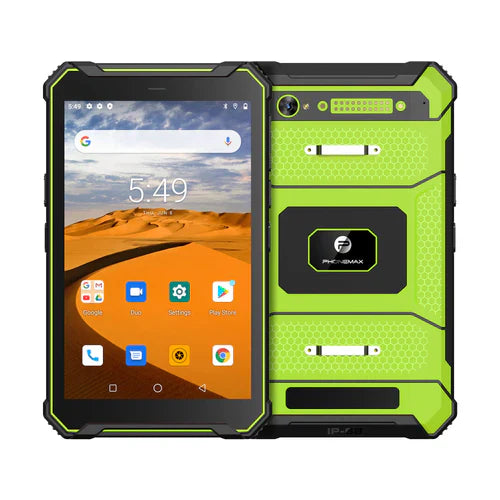
The T1 page lists the current configuration without a Honeywell scanner. Neither the tablet name nor an Android version establishes scanner output or a GS1 parser. Request the exact proposed integration and verify it using controlled samples.
This guide reports no GS1 integration test. Pair it with the barcode-format register, and contact Phonemax with the required field mapping.


Залишити коментар
Усі коментарі модеруються перед публікацією.
Цей сайт захищено за допомогою hCaptcha. Застосовуються Політика конфіденційності та Умови надання послуг hCaptcha.