
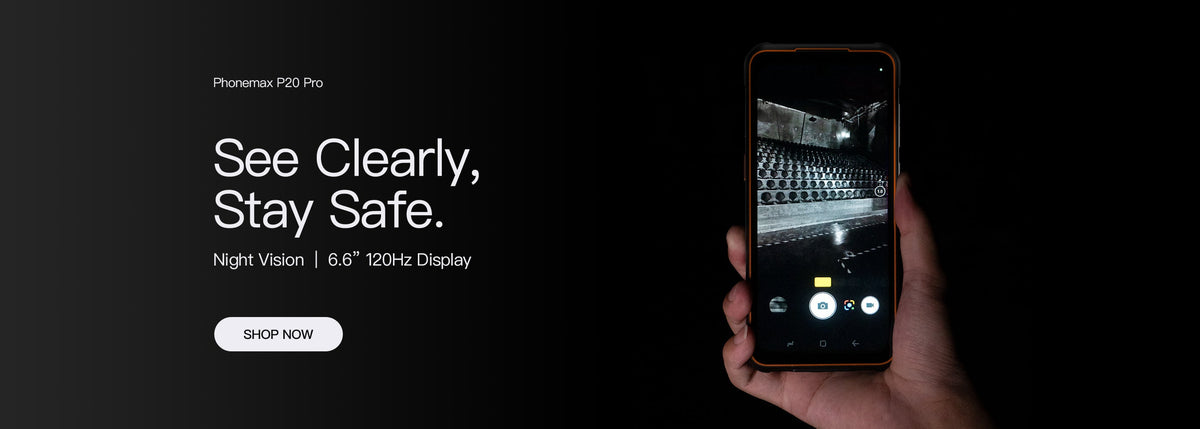
A programmable key is useful only when its configured action works through the full task. Confirm the available mappings, required phone state and application behaviour rather than assuming a physical button automatically launches every desired function.
Write one shortcut requirement
Describe what the operator is doing before the press, which action should occur and how success is confirmed. Opening an app, starting a record and saving that record are different steps. Specify only the function the supplier and app owner can confirm.
| Condition | What to verify |
|---|---|
| Phone ready for work | The configured press produces the expected action |
| App already open | The shortcut behaves consistently in that state |
| Screen locked | The permitted behaviour follows the device and organization settings |
| Case or holster fitted | Normal carrying does not create an unintended action |
| Task completed | The user can identify the result and return to work |
What the R4-T listing establishes
The R4-T product record lists programmable controls, including a smart key and Fn key. It does not define every available assignment or guarantee integration with a particular third-party app.
Ask for the mapping options and relevant instructions on the offered build. Do not infer a single-press, long-press or locked-screen action from a product image.
Try a non-production task
Using the approved configuration, run the intended shortcut and record what happens in the required states. Include the normal case and workwear. If the shortcut only opens an app, do not report that it completed the business transaction.
Do not configure a control to place real emergency calls or trigger a live operational action merely for a demonstration. Use an agreed test action and involve the responsible app owner.
Keep the accepted mapping with the device record
Record the phone build, app version, assigned action and test result. Recheck it when the released configuration changes.
Send Phonemax the required shortcut workflow to confirm feasibility. This is a proposed usability check, not a verified button integration or environmental result.

Залишити коментар
Усі коментарі модеруються перед публікацією.
Цей сайт захищено за допомогою hCaptcha. Застосовуються Політика конфіденційності та Умови надання послуг hCaptcha.