
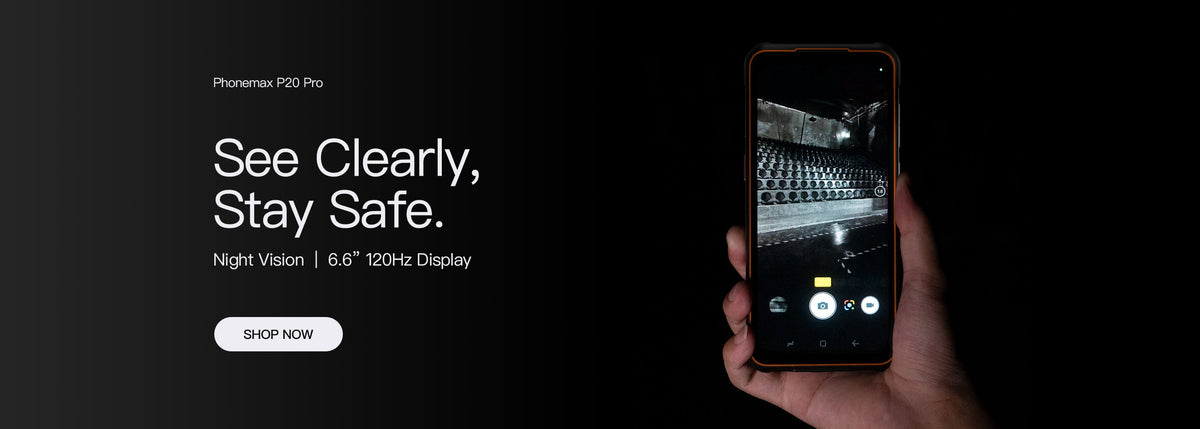
A barcode device is suitable when the correct label becomes the correct business record. Reading a code once does not prove that receiving, stock counting or dispatch works correctly. Define the label formats, capture hardware and receiving application before choosing a rugged phone around a 5000mAh headline.
Choose the capture method explicitly
An integrated scan engine, a camera application and an external reader are different configurations. Ask which is actually supplied and how its output reaches the app. A photograph of a device being used in a warehouse does not identify its scanner.
Use a small, controlled label set
| Test label or action | Required observation |
|---|---|
| A normal item label | The decoded value matches the expected identifier |
| An identifier with leading zeroes | The receiving field preserves the complete value |
| A repeated scan of the same item | The application follows the intended duplicate or quantity rule |
| A code belonging to a different location | The worker sees the correct validation response |
| Completion of the transaction | The inventory system contains the intended item, location and quantity |
Use test stock records and the actual label types needed by the operation. Set acceptable working distance, label condition and task time with the operations team. Record failures as well as successful reads; do not turn an isolated demonstration into a scan-speed claim.
Keep the published T1 configuration clear
The current T1 tablet listing describes the listed scanner configuration as without a Honeywell barcode scanner. It directs scanner-dependent projects to confirm the correct T1 Pro configuration. That is not confirmation that a scanner option, camera app or external reader will meet your specific workflow.
Measure battery use only after the workflow works
Run the accepted capture process under the expected shift pattern. Include screen use, uploads and the chosen accessory. No 5000mAh scanner-phone configuration or battery runtime is verified by this article.
Send Phonemax representative label requirements, the app name and capture method so the proposed hardware can be identified before sample evaluation.
Related guide: 4G Work Tablets: Recover a Form After the Network Returns.

Efterlad en kommentar
Alle kommentarer er modereres, før de bliver offentliggjort.
'Denne side er beskyttet af hCaptcha, og hCaptchas Politik om beskyttelse af persondata og Servicevilkår er gældende.