
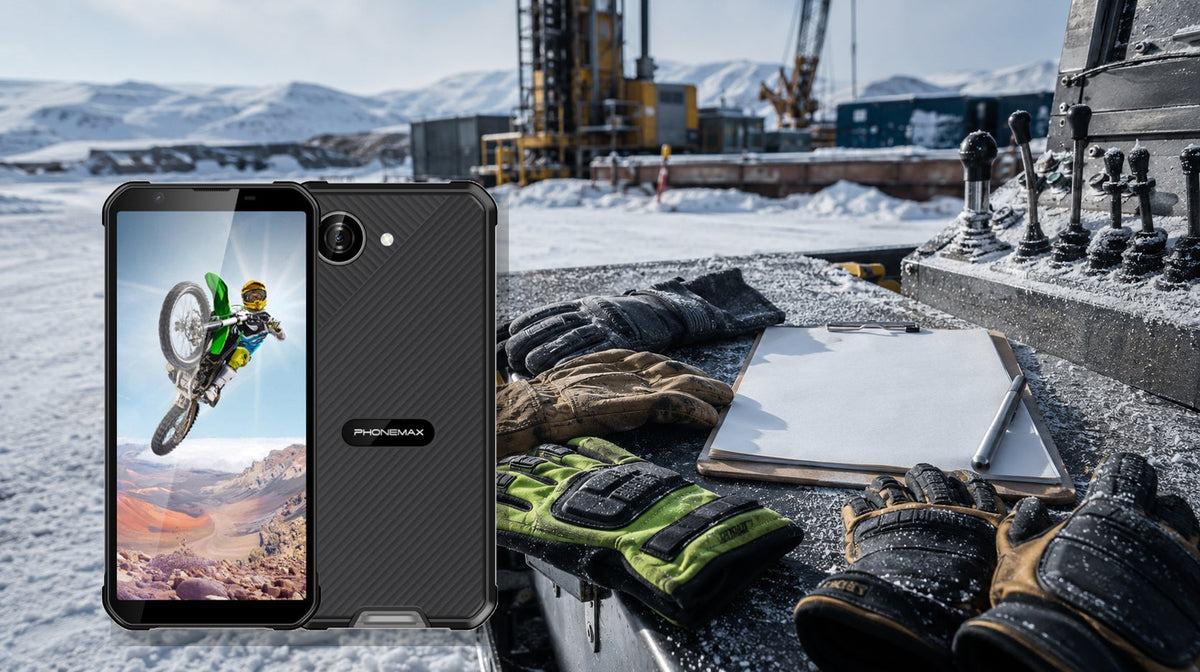
Answer first: Test the exact glove, screen protector and app. “Glove mode” is not a universal guarantee: material, thickness, moisture, fit and touch target size can change the result.
Projected-capacitive touch systems can be tuned for some gloves, but thicker or insulating materials reduce the signal. A device that unlocks with one glove may still fail on small keyboard keys or edge gestures.
For the closest comparison, see Phonemax X5 Guide: How Should You Evaluate Wet-Hand Touch Before Buying a Rugged Phone?.
Test the complete glove workflow
- Bring every glove type used in summer, winter and hazardous tasks.
- Install the intended screen protector before testing.
- Check taps, swipes, typing, pinch-to-zoom and edge gestures.
- Test dry, damp and dirty conditions only when safe for the glove and device.
- Provide a stylus or workflow alternative when touch failure creates risk.
Use production gloves, protector and app layout. A bare display with a thin demo glove does not represent field operation.
What glove-touch evidence means
| Evidence | Useful for | Still unproven |
|---|---|---|
| Glove-mode claim | Intended increased sensitivity | Compatibility with every glove |
| Thin-glove demo | One material and fit | Winter or chemical gloves |
| Task script | Real workflow success | All moisture and contamination |
Capacitive sensitivity depends on the glove system. Successful taps across the complete task matter more than a settings label.
Five-minute glove test
- Create a five-minute script: unlock, open app, type, select small targets and zoom a map.
- Run it bare-handed to establish the baseline.
- Repeat with each glove and the production screen protector.
- Record missed inputs, completion time and accidental touches.
- Repeat outdoors at the lowest expected temperature.
Test multiple glove sizes and moisture states where safe. A stylus or larger controls should be ready when touch is marginal.
Phonemax X5: documented fit and boundary
The field-control example in this guide is the Phonemax X5 listing. Published evidence: X5 has a compact 5.3-inch display and rugged body intended for outdoor work, making control usability a relevant purchasing question.
PPE compatibility not claimed: The current product page does not claim glove-touch support, list compatible glove types or describe wet-glove performance. It must therefore be treated as unverified until tested.
Buying decision
Accept glove support only when every critical gesture works with production PPE; provide an alternate control method for failures.
Three questions for the supplier
- Which glove materials and thicknesses were validated?
- Was a protector fitted?
- Does wet-glove use have a separate claim?
Two related checks are How Should You Evaluate High-Brightness Screen Battery Drain Before Buying a Rugged Phone? and How Should You Evaluate Screen Edge Protection Before Buying a Rugged Phone?.
FAQ
Will every capacitive glove work?
No. Conductivity, thickness, fit, moisture and controller tuning change detection, so exact-PPE testing is essential.
Does glove mode work with every glove?
No. Material, thickness, moisture, fit, screen protector and touch-target size can all change performance.
What gestures should be tested?
Test unlock, taps, swipes, typing, small controls, pinch-to-zoom and edge gestures using the production app and protector.
What if the test fails only with winter gloves?
Treat that workflow as unsupported unless a validated stylus, larger touch targets or another safe input method is deployed.
References and commercial disclosure
3M projected-capacitive touch overview; EIZO on ambient viewing conditions.
This commercial guide comes from Phonemax. X5 glove operation is not claimed; the 3M reference only explains why glove-specific testing is necessary.
Library topic 202 · Sequence 42 · Editorial check: 2026-08-12


Deixar comentário
Os comentários precisam ser aprovados antes da publicação.
Este site é protegido por hCaptcha e a Política de privacidade e os Termos de serviço do hCaptcha se aplicam.