
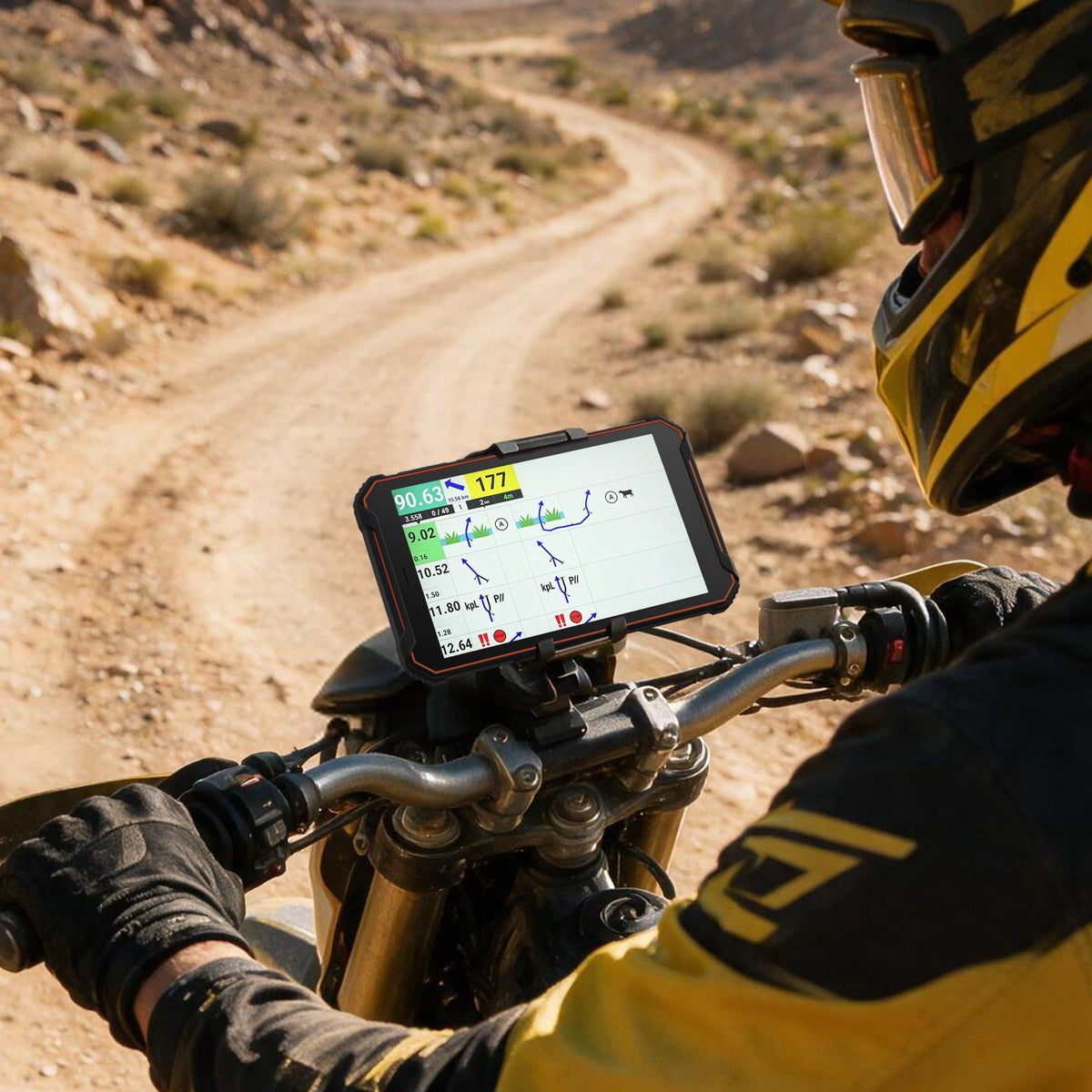
Short answer: choose Phonemax N1 when the primary job is rally, roadbook, motorcycle or navigation-led use. Choose Phonemax T1 when the primary job is a general industrial Android tablet workflow. They share several core platform specifications, but the product roles are different.
T1 vs N1 at a glance
| Specification / role | Phonemax T1 | Phonemax N1 |
|---|---|---|
| Primary positioning | Industrial rugged tablet | Rugged rally / roadbook navigation tablet |
| Operating system | Android 16 | Android 16 |
| Processor | MediaTek Helio G80 | MediaTek Helio G80 |
| Memory / storage | 6GB + 128GB | 6GB + 128GB |
| Battery | 12,000mAh | 12,000mAh |
| Charging | 18W | 18W |
| Rugged ratings listed | IP68 / IP69K | IP68 / IP69K / MIL-STD-810H |
| Navigation systems explicitly listed | Not a defining specification on the current T1 listing | GPS / GLONASS / Galileo |
| Reverse charging | Not listed as a defining function on the current T1 configuration | Listed |
| Honeywell scanner | Not included in the current T1 configuration described on the product page | Not the product’s primary role |
This table now states the current published configuration instead of using generic “verify current configuration” placeholders. Where a function is not part of the current listed T1 configuration, the article says so directly rather than shifting the verification burden to the reader.
Why the same core platform does not make them the same product
Android 16, Helio G80, 6GB RAM, 128GB storage and a 12,000mAh battery create a similar computing baseline. But device selection for field work is usually determined by workflow integration rather than a benchmark score.
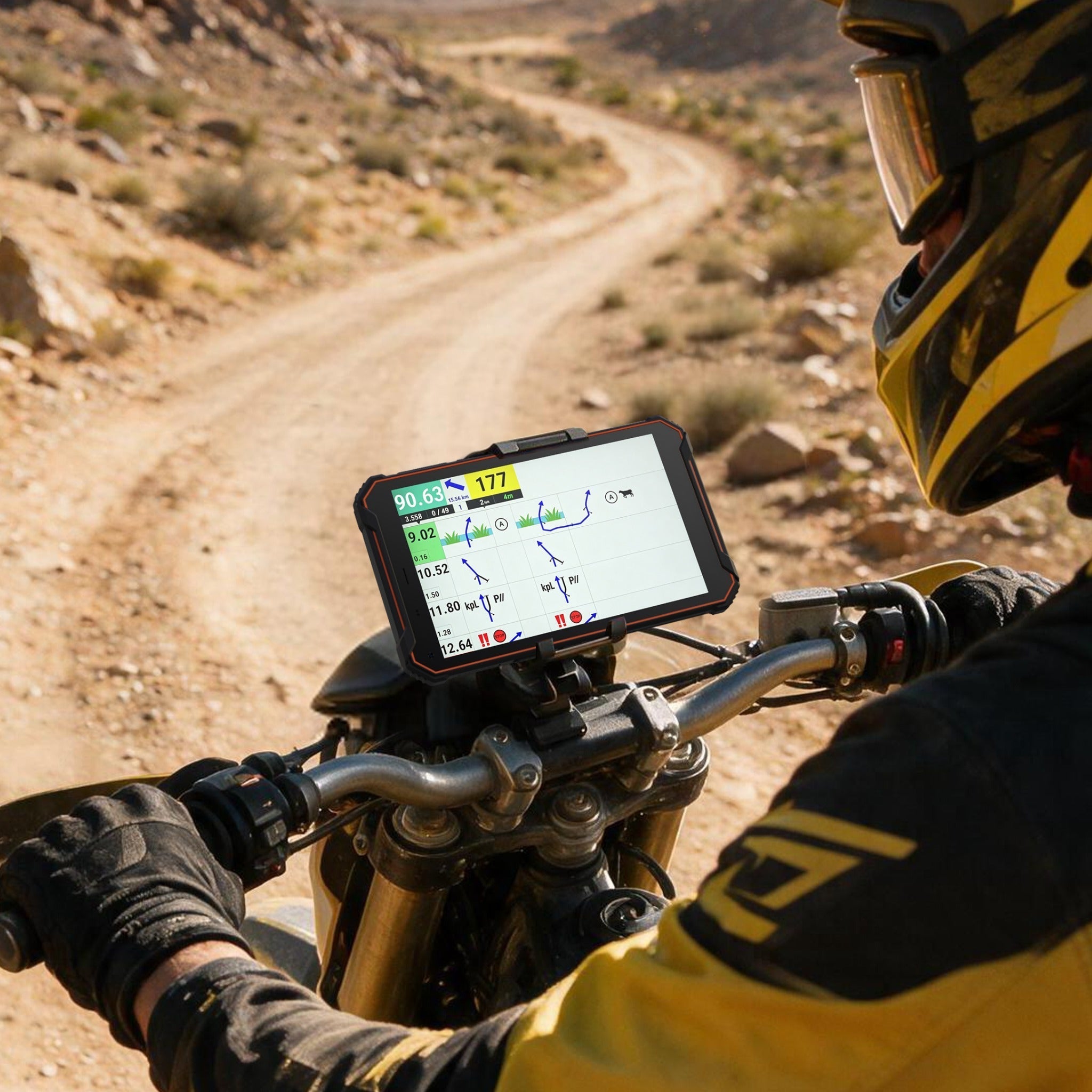
N1 is described by Phonemax as a rally navigation and roadbook tablet. Its current listing explicitly includes GPS, GLONASS and Galileo, as well as reverse charging and cellular/NFC functions. That points to a navigation-first role where location, route access, mounting environment and peripheral power can matter throughout the day.
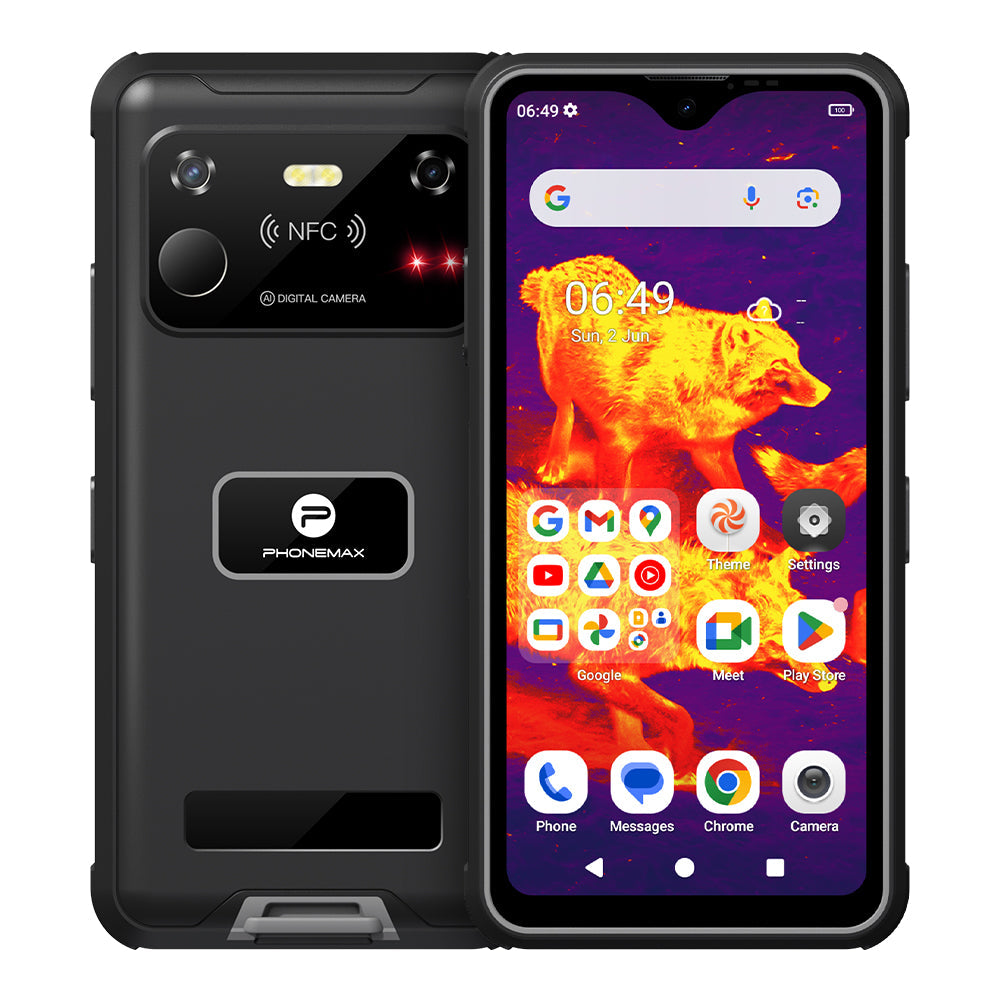
T1 is positioned as an industrial rugged tablet. Its role is broader: enterprise applications, forms, documentation, inspections, work orders, warehouse or service workflows, and other large-screen Android tasks.
Choose N1 when navigation is the main application
N1 makes more sense when the tablet’s reason for existing is to keep a rider, driver or field operator on a route. The selection process should then focus on navigation app compatibility, offline map preparation, satellite-system behavior in the intended environment, charging on the vehicle, mount integration, touch usability, vibration exposure and recovery after connectivity loss.
Its 12,000mAh battery and 18W charging are useful specifications, but navigation deployments should still be tested with screen brightness, GPS, cellular data and the actual app running simultaneously. Battery capacity alone does not predict a full-shift result.
Choose T1 when the tablet is a mobile work terminal
T1 is the more direct fit when the tablet is primarily an industrial computing surface rather than a roadbook. Typical evaluation questions include whether required enterprise apps install correctly, whether forms are comfortable on the screen, how workers capture and review photographs, how MDM policies are applied, and how the tablet is charged between shifts.
The current T1 product configuration described on the product page does not include a Honeywell barcode-scanner module. That point should be treated as a current product fact, not as an unresolved configuration question. If a future or separate T1 variant adds scanner hardware, that variant should be documented as its own SKU rather than assumed from the product name or URL.
Shared 128GB storage still needs two different policies
Both models are listed with 128GB of storage, but N1 is likely to allocate more of its operational storage to offline maps, route files and navigation data, while T1 deployments may accumulate manuals, inspection images, work-order attachments and enterprise-app caches. Fleet managers should create a storage budget based on the actual role.
A buyer’s decision checklist
- Name the tablet’s primary job in one sentence. If the sentence starts with navigation, roadbook or rally, N1 is the more natural starting point. If it starts with forms, inspections, enterprise apps or industrial workflow, start with T1.
- List mandatory hardware functions. Include GNSS, cellular bands, NFC, scanner needs, charging, ports and accessories.
- Install the actual production apps. A spec comparison cannot replace software validation.
- Test the real mounting and charging environment. Vehicle and industrial deployments create different vibration, heat and cable-management conditions.
- Match requirements to the exact published SKU. If a required feature is not listed on the current product page, do not assume it is included.
FAQ
Do T1 and N1 use the same Android version?
The current Phonemax listings for both products specify Android 16.
Do they have the same memory and battery?
Current listings specify 6GB RAM, 128GB storage and a 12,000mAh battery for both, with 18W charging.
Which one is better for motorcycle navigation?
N1 is the more directly targeted model because it is positioned as a rally/roadbook navigation tablet and explicitly lists GPS, GLONASS and Galileo.
Does the current T1 include a Honeywell barcode scanner?
No. The current T1 configuration described on the product page does not include a Honeywell barcode-scanner module.
Which one is better for industrial work apps?
T1 is the more direct general industrial-tablet choice when the priority is enterprise apps, forms, documentation and other industrial Android workflows.
Sources
- Phonemax N1 official product page
- Phonemax T1 official product page
- Google Maps Help — Offline maps on Android
Publisher disclosure: This comparison is published by Phonemax and discusses the Phonemax T1 and N1. Product specifications and product positioning are first-party Phonemax information. Google Maps documentation is used separately for the independent discussion of offline-map behavior. The article does not infer unlisted hardware from product naming; current SKU features are stated from the published product information.

Dejar un comentario
Todos los comentarios se revisan antes de su publicación.
Este sitio está protegido por hCaptcha y se aplican la Política de privacidad de hCaptcha y los Términos del servicio.